Why Is Office Wi-Fi Slow? Access Point Placement and Wi-Fi 6 Tips
Slow Wi-Fi is usually a design problem, not an internet problem. Learn how access point placement, channels and Wi-Fi 6 fix dead zones and drops.
“The internet is slow” is often actually “the Wi-Fi is slow”. A fast internet connection cannot help if the wireless network is badly designed. Here are the usual causes and the fixes that work.
Common causes
- One router for the whole office: walls, especially concrete and glass, weaken the signal quickly.
- Too many users on one device: home routers are not built for dozens of users.
- Range extenders: they often cut speed in half and cause drops.
- Channel interference: many neighbouring networks on the same channel.
- Old devices slowing everyone down on older Wi-Fi standards.
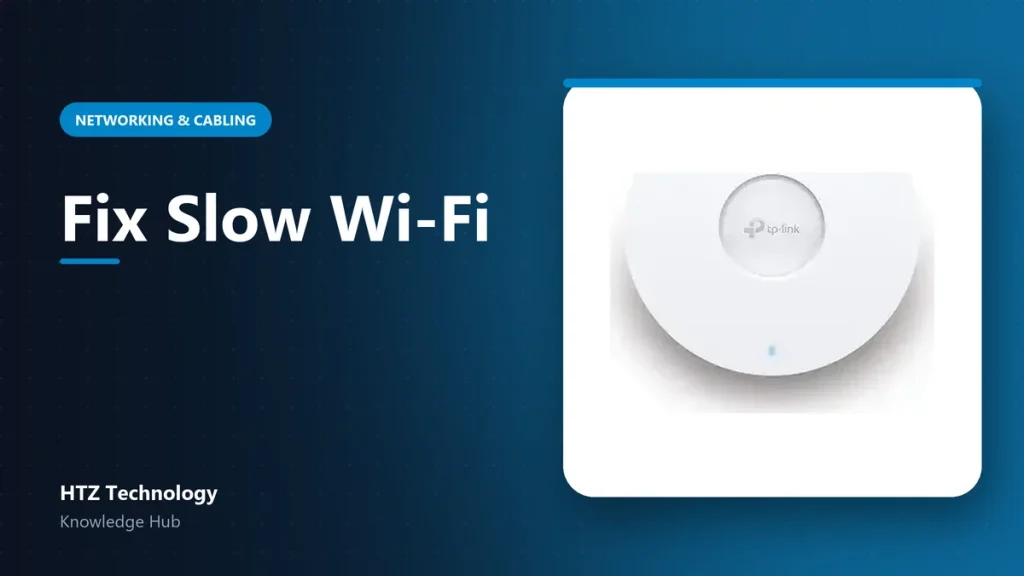
Use multiple ceiling access points
Business networks use several access points (APs) mounted on the ceiling, each connected by cable and powered by PoE. Users move between them smoothly. As a rough guide, plan one AP per open area or every few rooms, depending on walls and user count.
Manage them centrally
A controller (hardware or cloud) lets you manage all APs from one screen: one network name, automatic channel planning, guest Wi-Fi, and alerts when an AP goes offline.
Why Wi-Fi 6 helps
Wi-Fi 6 (802.11ax) is designed for crowded places. It handles many devices at once more efficiently, which matters in offices, schools and hotels where everyone has a phone and a laptop.
Quick improvements
- Use the 5 GHz band for laptops and phones near the AP.
- Separate guest Wi-Fi from staff Wi-Fi.
- Limit bandwidth for guests if needed.
- Do not hide APs inside metal cabinets or above metal ceilings.
For larger sites, a Wi-Fi survey shows exactly where to place each AP before installation.
Products mentioned in this guide
Genuine products with official warranty, delivered anywhere in Bangladesh.
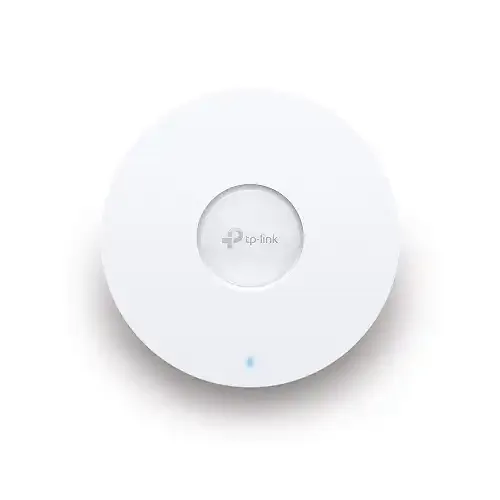 Tp-Link EAP620 HD AX1800 Ceiling Mount WiFi 6 Access Point
৳ 19,990
View product →
Tp-Link EAP620 HD AX1800 Ceiling Mount WiFi 6 Access Point
৳ 19,990
View product →
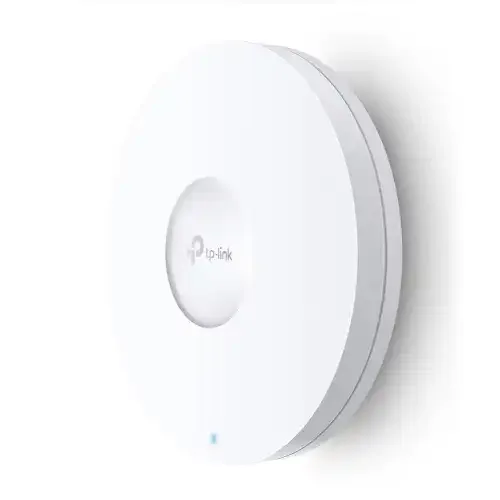 Tp-Link EAP660 HD AX3600 Dual Band Multi-Gigabit Ceiling Mount Wireless Access Point
৳ 35,990
View product →
Tp-Link EAP660 HD AX3600 Dual Band Multi-Gigabit Ceiling Mount Wireless Access Point
৳ 35,990
View product →
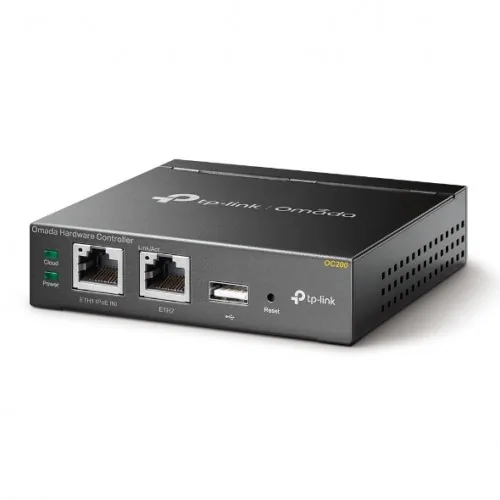 TP-Link OC200 Omada Centralized Access Point Management System/Controller
৳ 19,990
View product →
TP-Link OC200 Omada Centralized Access Point Management System/Controller
৳ 19,990
View product →
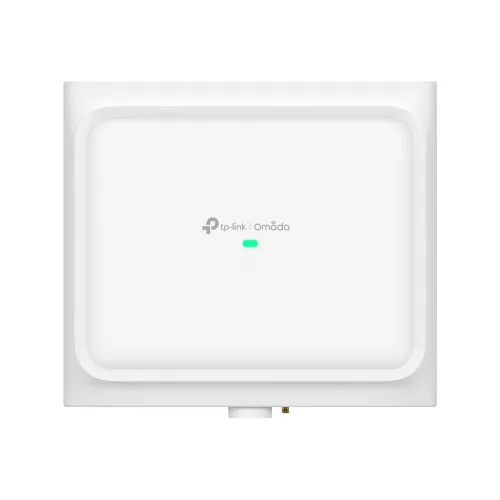 TP-Link EAP650 D120-Outdoor AX3000 Indoor/Outdoor WiFi 6 Access Point
৳ 26,990
View product →
TP-Link EAP650 D120-Outdoor AX3000 Indoor/Outdoor WiFi 6 Access Point
৳ 26,990
View product →