
Passwords and Two-Factor Authentication: A Simple Guide for Small Offices
Most break-ins start with a weak or reused password. A few simple habits, a password manager and two-factor authentication stop the majority of account takeovers.
You do not need an IT department to protect your business accounts. Most attacks on small offices target email, Facebook pages, banking and router logins with stolen or guessed passwords. These steps block most of them.
Good passwords in one sentence
Use a long, unique password for every important account. Length matters more than odd symbols. A phrase of four or five unrelated words is easier to remember and harder to guess than a short complex one.
Use a password manager
Nobody can remember dozens of unique passwords. A reputable password manager stores them securely and fills them in for you. You only remember one strong master password.
Turn on two-factor authentication (2FA)
2FA adds a second step after the password, such as a code from an authenticator app. Even if someone steals the password, they still cannot log in.
- Turn it on first for email, because email resets every other account.
- Then for banking, social media pages, domain and hosting accounts.
- Prefer an authenticator app over SMS when you can.
- Save the backup codes somewhere safe and offline.
Do not forget the devices
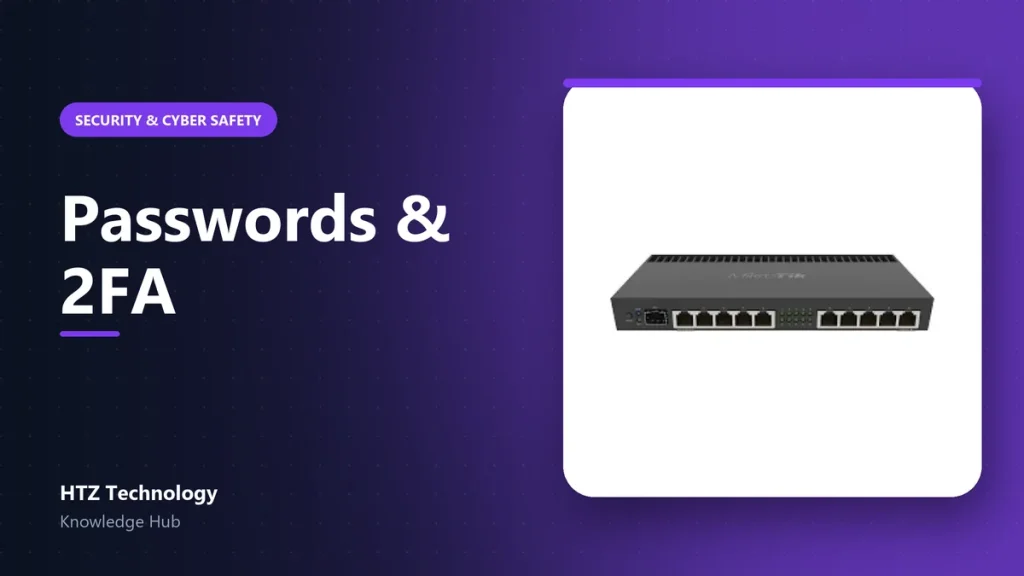
- Change default passwords on the router, Wi-Fi, CCTV recorder and IP-PBX.
- Use a separate Wi-Fi network for guests.
- Lock computers when staff step away.
When staff leave
Keep a simple list of shared accounts. When someone leaves, change those passwords the same day and remove their access from apps and devices.
Products mentioned in this guide
Genuine products with official warranty, delivered anywhere in Bangladesh.