
CCTV Resolution Explained: 2MP vs 4MP vs 8MP (4K)
More megapixels are not always better. Here is how to pick the right camera resolution for each spot, and what it means for storage and bandwidth.
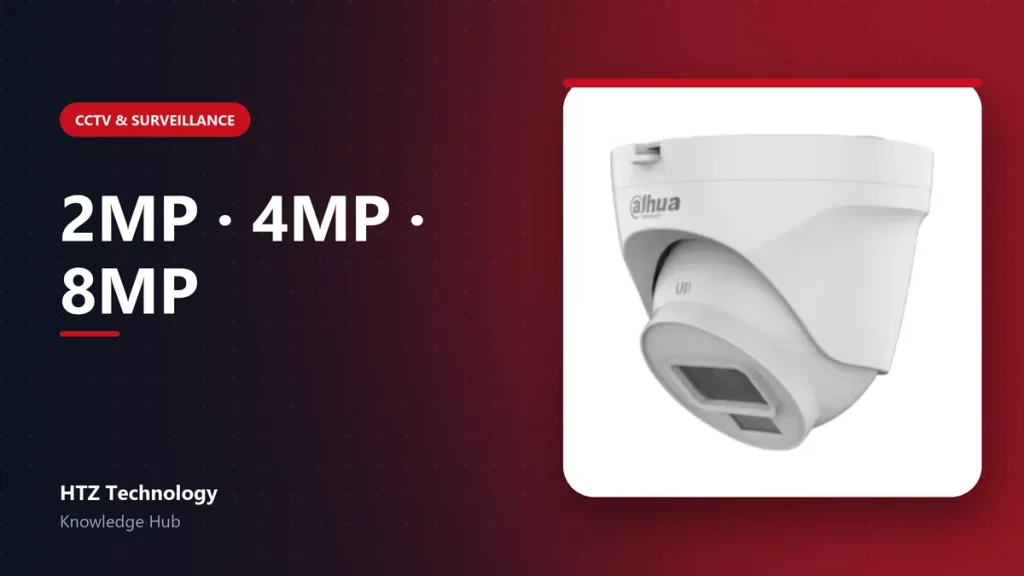
Camera boxes shout about megapixels, but resolution is only one part of a clear picture. Choosing the right resolution for each location saves money, storage and bandwidth while still capturing the details that matter.
What the numbers mean
| Label | Approx. pixels | Typical use |
|---|---|---|
| 2MP (1080p) | 1920 × 1080 | Rooms, corridors, small shops |
| 4MP (2K) | 2560 × 1440 | Wider areas, entrances, counters |
| 8MP (4K) | 3840 × 2160 | Car parks, warehouses, large halls |
Higher resolution lets you zoom into recorded video and still recognise a face or read text. It does not help if the lens points the wrong way or the scene is too dark.
Detail depends on distance and lens
A 2MP camera with the right lens watching a doorway from three metres can show a face more clearly than an 8MP camera covering a whole car park. Think in terms of pixels on target: how many pixels fall on the person or object you care about.
- Wide lens (2.8mm): sees more area, shows less detail at distance.
- Narrow lens (6mm, 8mm or varifocal): sees less area, shows more detail further away.
The hidden costs of more megapixels
An 8MP stream needs more bitrate than a 2MP stream. That means larger hard drives, more network bandwidth and a recorder that can decode 4K. Before upgrading every camera, estimate the storage with our CCTV storage calculator.
A practical mix
- Indoor rooms and corridors: 2MP is usually enough.
- Main entrance, reception and cash counter: 4MP for clearer faces.
- Car park, yard or warehouse floor: 4MP to 8MP, or a PTZ camera for zoom.
Mixing resolutions is normal and smart. Spend the budget where detail matters most.
Products mentioned in this guide
Genuine products with official warranty, delivered anywhere in Bangladesh.