H.265 and CCTV Storage: How Many Days Will Your Hard Disk Record?
Storage depends on bitrate, camera count, recording hours and compression. Learn how H.265 and smart codecs stretch your hard disk, and how to estimate days of recording.
“How many days will it record?” is one of the most common CCTV questions. The answer depends on a few numbers you can control. Once you understand them, you can size a hard disk properly instead of guessing.
The four things that decide storage
- Bitrate: how much data each camera sends per second (for example 2 Mbps or 4 Mbps). This is the biggest factor.
- Number of cameras.
- Recording hours: 24 hours continuous, or only when motion is detected.
- Days you need to keep.
Resolution, frame rate and scene activity all change the bitrate. A busy road at 25 fps needs much more than a quiet corridor at 12 fps.
What H.265 changes
H.265 (HEVC) is a newer compression standard than H.264. It is designed to deliver similar picture quality at a much lower bitrate. Manufacturers also add their own “smart” versions (such as H.265+) that cut bitrate further on quiet scenes.
In practice, switching cameras and recorder to H.265 often lets the same hard disk keep noticeably more days of footage. The saving depends on the scene, so always check the real result after a few days.
A simple estimate
Storage per day (GB) is roughly: bitrate in Mbps × 10.8 × hours ÷ 24 for each camera. For example, a 2 Mbps camera recording 24 hours uses about 21.6 GB per day. Eight such cameras for 30 days need about 5.2 TB.
Rather than doing this by hand, use our free CCTV Storage Calculator. Enter your cameras, resolution and codec, and it suggests a suitable hard disk size.
Ways to keep more days
- Use H.265 or smart codec settings.
- Lower frame rate on indoor or quiet cameras (12 to 15 fps is often enough).
- Use motion or event recording on low-priority cameras.
- Use surveillance-grade hard drives, which are built for constant writing.
Products mentioned in this guide
Genuine products with official warranty, delivered anywhere in Bangladesh.
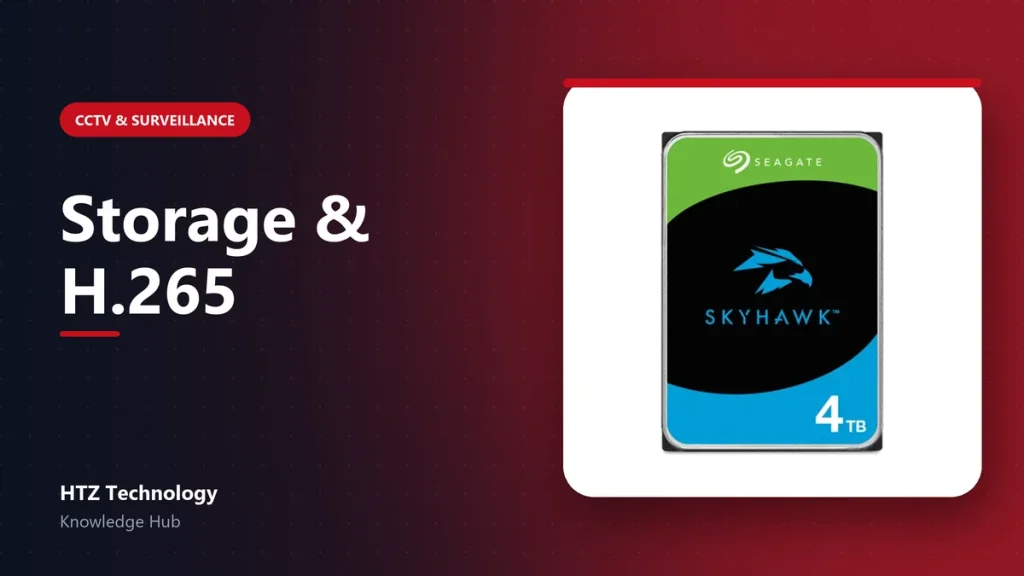
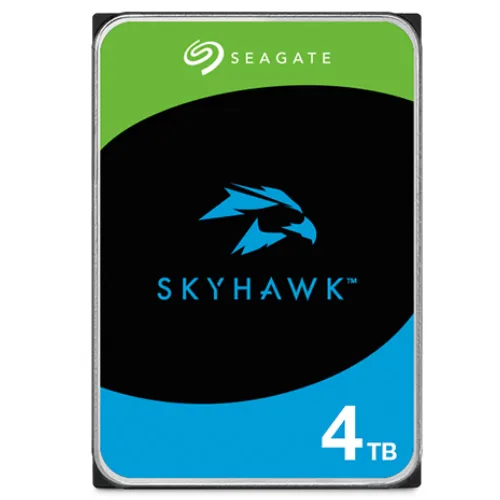 Seagate Skyhawk 4TB 3.5" Surveillance HDD
৳ 25,499
View product →
Seagate Skyhawk 4TB 3.5" Surveillance HDD
৳ 25,499
View product →
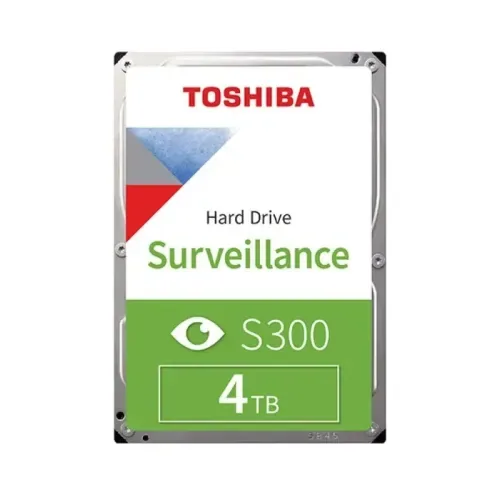 Toshiba S300 4TB 3.5 Inch 5400 RPM Surveillance Hard Disk Drive (3 Years Warranty)
৳ 24,000
View product →
Toshiba S300 4TB 3.5 Inch 5400 RPM Surveillance Hard Disk Drive (3 Years Warranty)
৳ 24,000
View product →
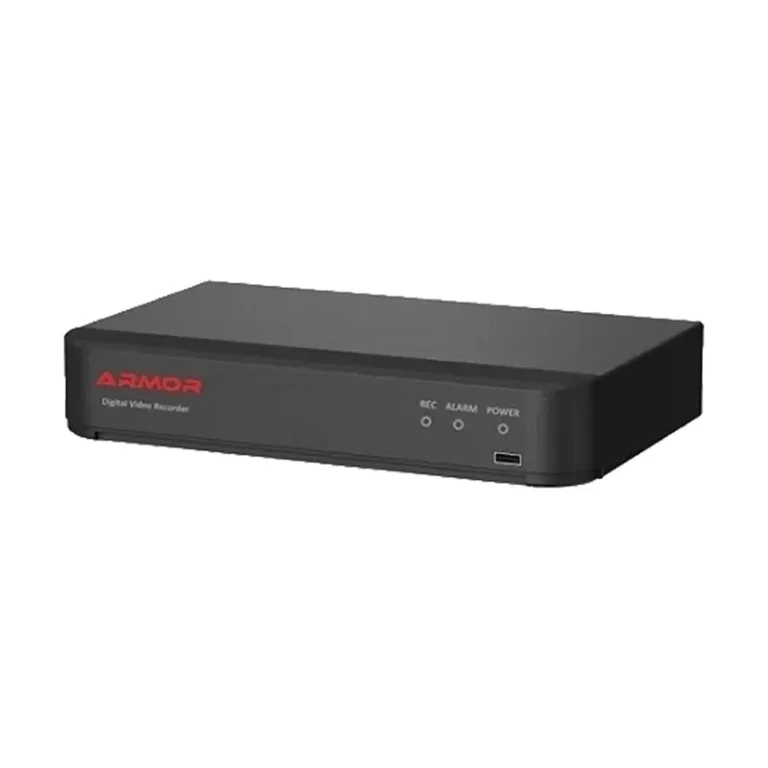 Armor AR-NVR-5016C-AI 16 Channel 5MP NVR
Price on request
View product →
Armor AR-NVR-5016C-AI 16 Channel 5MP NVR
Price on request
View product →
 Toshiba S300 AI 16TB 3.5" Surveillance Hard Drive
৳ 108,000
View product →
Toshiba S300 AI 16TB 3.5" Surveillance Hard Drive
৳ 108,000
View product →