
PoE Explained: How Power over Ethernet Works for Cameras, Phones and Wi-Fi
PoE sends power and data through one network cable. Learn the PoE standards, how to calculate a power budget, and how to avoid the most common PoE problems.
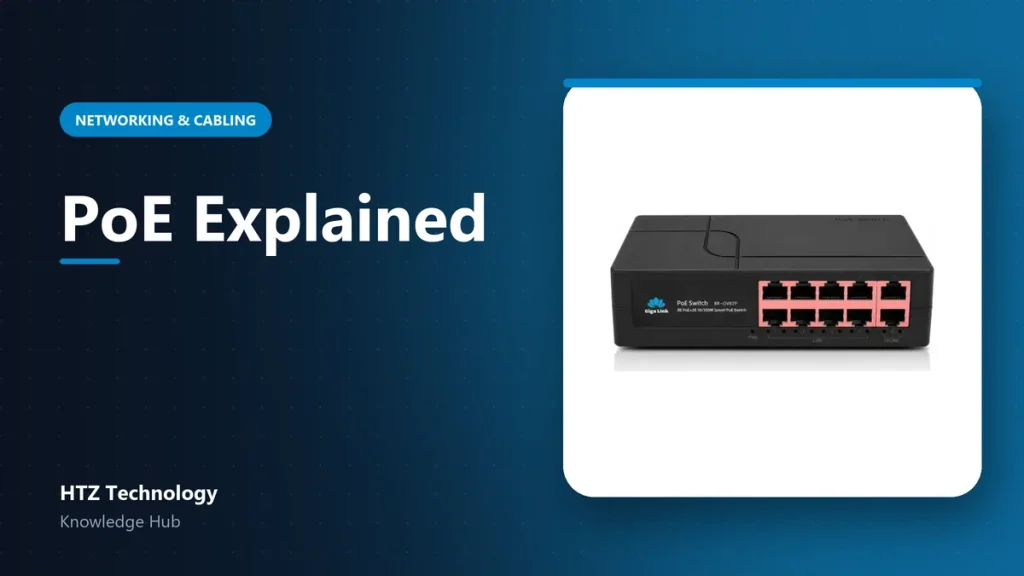
Power over Ethernet (PoE) lets one network cable carry both data and electricity. It is why IP cameras, IP phones and ceiling access points can be installed without a power socket nearby.
The PoE standards
| Standard | Common name | Power at switch port | Typical devices |
|---|---|---|---|
| IEEE 802.3af | PoE | Up to 15.4 W | IP cameras, IP phones |
| IEEE 802.3at | PoE+ | Up to 30 W | PTZ cameras, Wi-Fi APs |
| IEEE 802.3bt | PoE++ (Type 3 / Type 4) | Up to 60 W / 90 W | Large PTZ, displays, multi-radio APs |
The device receives a little less than the port supplies, because some power is lost in the cable.
Calculate your power budget
Every PoE switch has a total PoE budget, for example 60 W or 120 W. Add up the maximum power of all connected devices (check each datasheet) and keep a safety margin of about 20 to 30 percent.
Example: 8 cameras using up to 6 W each need about 48 W. A switch with a 65 W budget is a safe choice.
Distance limits
PoE follows the normal Ethernet limit of 100 metres per run. For longer distances you can use:
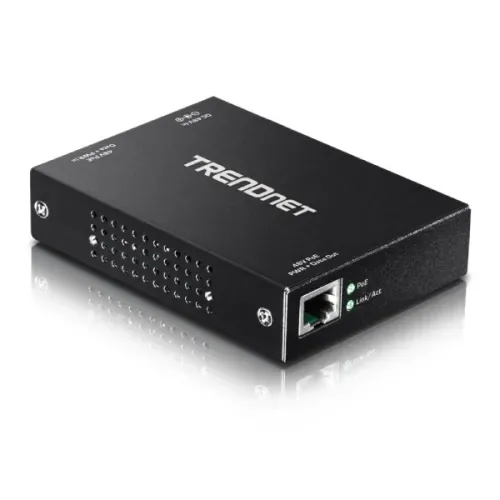
- A PoE extender in the middle of the run.
- A small switch at a remote point, fed by fiber.
- A PoE switch with “extend mode” (lower speed over longer distance).
Common PoE problems
- Camera reboots at night: budget exceeded or CCA cable. Use pure copper and a bigger switch.
- Device not powering: passive PoE device on a standard switch, or the other way round. Check compatibility.
- Switch overheating: install in a ventilated rack, not a closed cupboard.
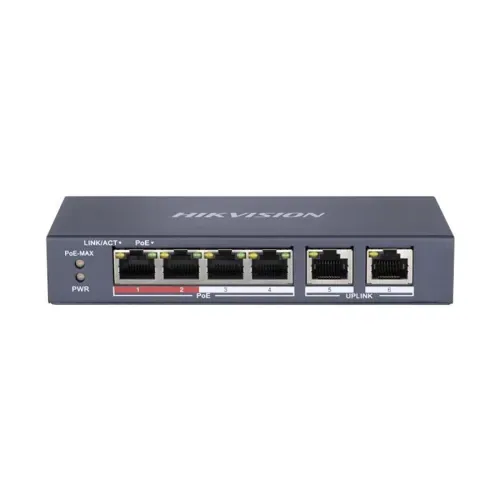
Products mentioned in this guide
Genuine products with official warranty, delivered anywhere in Bangladesh.