
Access Control
Setting Up a Time Attendance System That Actually Saves Payroll Time
A biometric attendance machine is only half the job. Learn how to set up shifts, rules and software so attendance reports are accurate and payroll is quick.
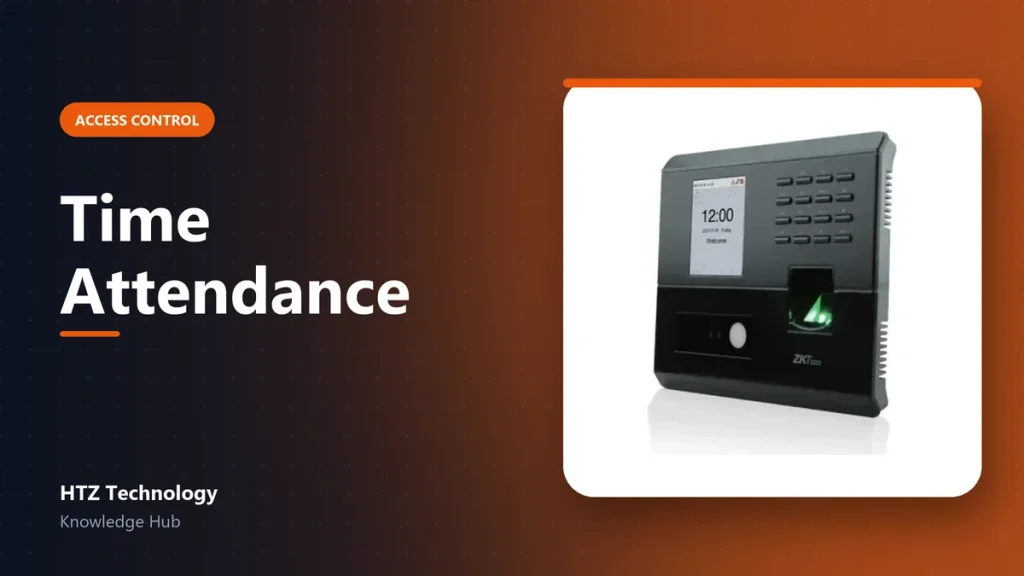
Many businesses buy an attendance machine, enrol staff and then still spend days at the end of the month fixing reports in spreadsheets. The difference is in the setup.
1. Choose the right device
- Fingerprint or face: face recognition is touchless and faster for large teams.
- Capacity: check the user and log limits against your staff count, with room to grow.
- Connectivity: network or Wi-Fi connection lets software collect logs automatically. USB-only means manual downloads.
- Backup power: so punches are not lost during power cuts.
2. Plan before enrolling
- Prepare a staff list with an ID number, name and department.
- Use the same ID in the device, the software and payroll.
- Enrol two fingers per person, in case one is injured.
3. Set up shifts and rules
- Define shifts: start time, end time, break, and grace minutes for late arrival.
- Set rules for overtime, half days and night shifts that cross midnight.
- Enter weekends and public holidays in the software calendar.
- Record approved leave in the system so it is not marked as absence.
Test with one department firstRun the new rules on one department for a week and compare with manual records. Fix the settings before rolling out to everyone.
4. Use attendance software
Software collects punches from all devices and branches, applies the rules and produces reports: daily attendance, late arrivals, overtime and monthly summaries. Many tools export directly to Excel or payroll systems.
5. Keep it running
- Sync the device time automatically.
- Back up the attendance database regularly.
- Remove leavers promptly.
- Clean the sensor or camera window weekly.
Products mentioned in this guide
Genuine products with official warranty, delivered anywhere in Bangladesh.
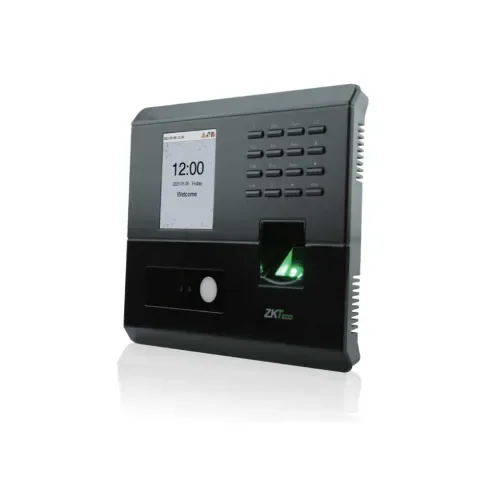
ZKTeco MB10-VL Hybrid Biometric Time & Attendance and Access Control Terminal
৳ 9,100
View product →
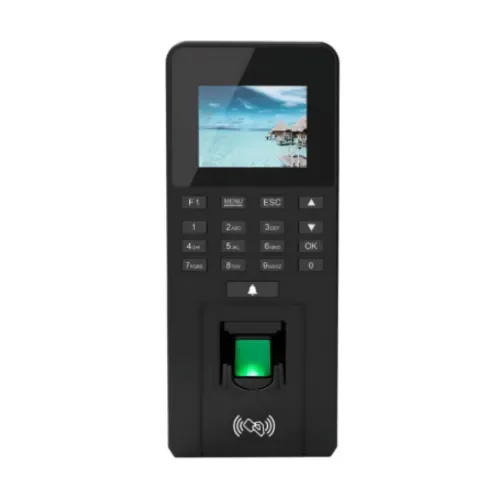
Tipsoi Prompt P40 Biometric Time Attendance & Access Control Terminal
৳ 10,000
View product →
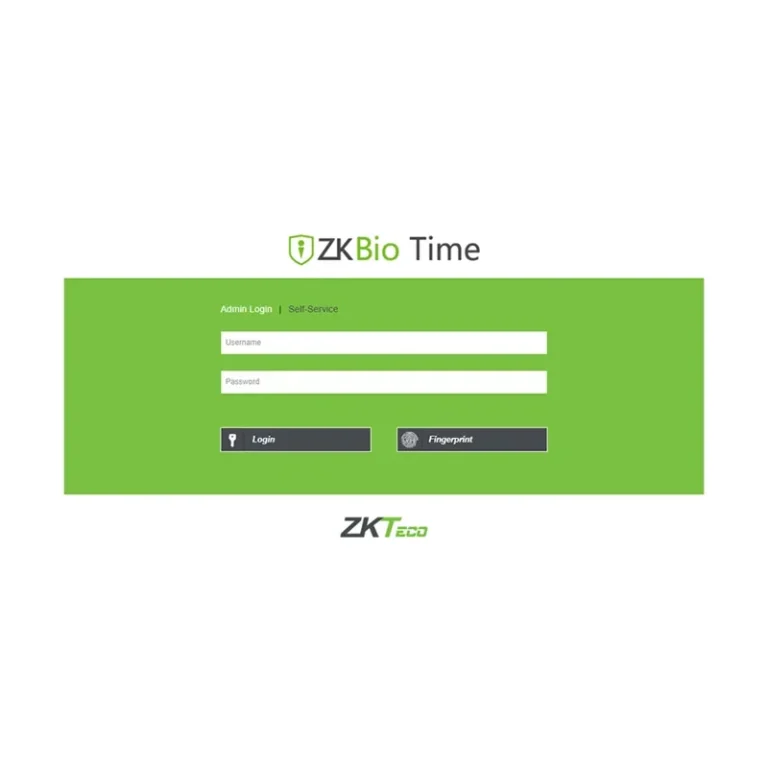
ZKTeco BioTime Latest Time Attendance Software (Devices 20, User 60000)
৳ 50,000
View product →
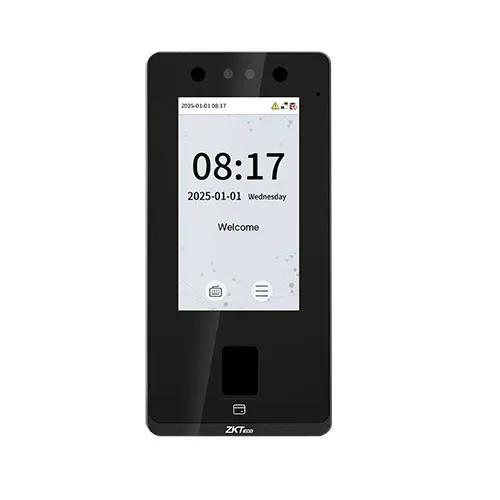
ZKTeco SenseFace 4A Access Control Terminal
৳ 21,400
View product →